
Export a Membership Report
Learn how to export a membership report.
Here's how to download your membership data...
- Navigate to your Membership.
- Select Members.
- Click Export.
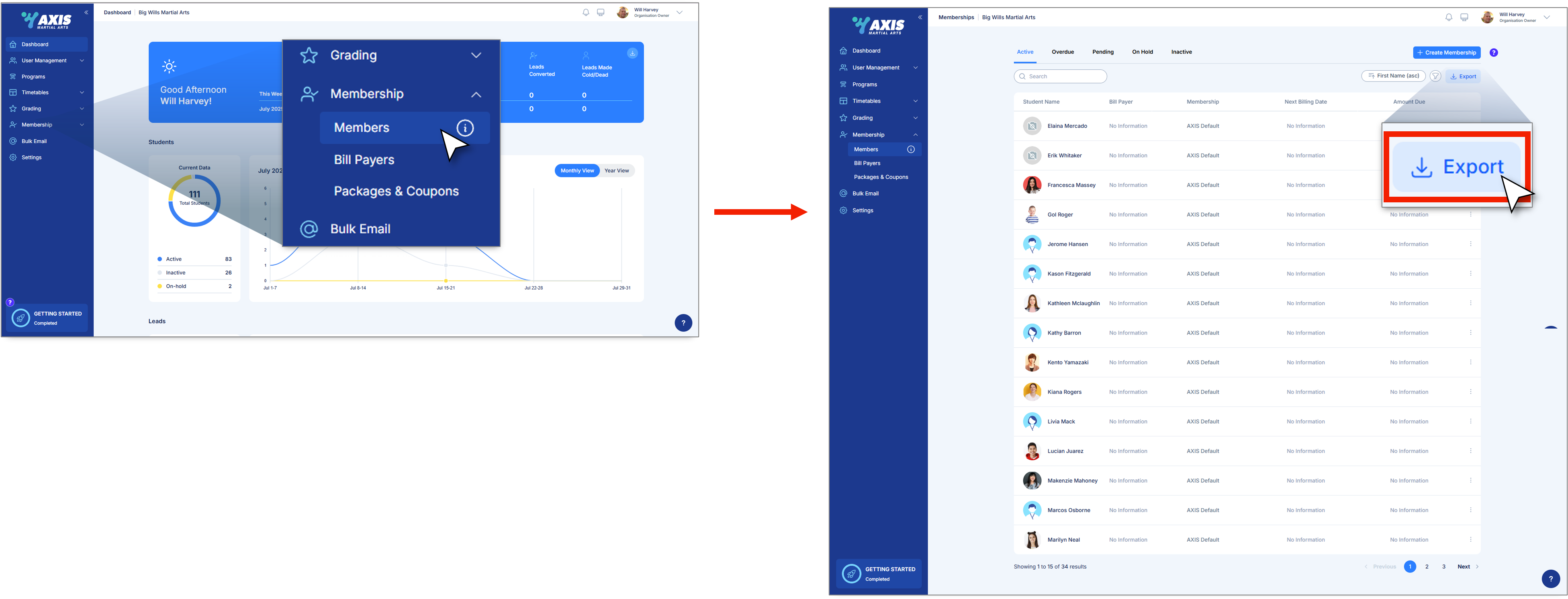
Note: This will give you all your active students only, there are separate reports for on hold and inactive students, simply go to the relevant tabs and follow the same process.